ERP Data Migration Checklist for Bangladesh Businesses
An ERP Data Migration Checklist for Bangladesh Businesses should start with seven controls: lock the scope, list every source system, clean master data, reconcile balances, test the import, freeze late changes, and validate reports before go-live. This guide is for CFOs, Finance Heads, Operations teams, IT leads, warehouse managers, and business owners moving from Excel, old software, or disconnected systems into ERP.
One branch stock sheet says one thing, Accounts shows another balance, sales history sits in Excel, and leadership still wants the new ERP live before month-end. That is when migration stops being an IT upload task and becomes a business-control task.
For businesses moving into a connected platform such as Managerium ERP, the real goal is not to move every old file. The real goal is to move only the business data that will let Procurement, Sales, Inventory, Accounts, Production, Payroll, approvals, and reporting work in one structured flow from day one (Managerium).
Why ERP data migration becomes risky when business data is scattered
ERP data migration becomes risky when the business has more than one version of the truth. If item codes, customer balances, stock records, and branch structures disagree before migration, the new ERP will only expose the problem faster.
The cost of bad migration shows up in stock, finance, payroll, and reporting
Bad migration usually appears after go-live, not during file preparation. Stock does not match the warehouse floor, receivables age incorrectly, payables are incomplete, and finance cannot trust opening balances. When open purchasing and payment records are not aligned, month-end slows down immediately (Purchase Requisition to Payment).
Why Bangladesh businesses often carry hidden data issues into a new ERP
Bangladesh businesses often migrate from mixed sources: Excel files, old accounting tools, branch-wise registers, disconnected POS records, paper approvals, and manually adjusted ledgers. Multi-branch stock, outlet transfers, and delayed posting already create reconciliation pressure before ERP go-live, especially where inventory moves frequently between warehouses or outlets (ERP Stock Transfer Controls).
ERP Data Migration Checklist: What to Complete Before Migration Starts
An ERP data migration checklist is most useful when leadership can scan readiness in one table. If these checks are incomplete, do not treat the project as migration-ready.
| Phase | What must be complete | Primary owner | Evidence | |, -|, -|, -|, -| | Scope | Companies, branches, warehouses, modules, and go-live date confirmed | Project sponsor | Approved scope note | | Sources | All files and systems listed | IT + business owners | Source-system register | | Masters | Items, customers, suppliers, COA, branches, warehouses cleaned | Functional owners | Reviewed templates | | Balances | Stock, AR, AP, cash, bank, GL reconciled | Finance + operations | Signed reconciliation | | Testing | Trial migration completed and issues logged | Implementation team | Test results | | Cutover | Freeze rules, final import window, approvers confirmed | Steering team | Cutover sign-off |
Define the migration scope by company, branch, warehouse, and go-live date
Scope must answer four questions clearly: which legal entities, which branches, which warehouses, and which modules are going live now. If a business leaves that unclear, the migration expands in the middle of the project and deadlines slip.
Assign one owner for each dataset before any file is prepared
Every dataset needs one accountable owner, not a group. Finance should own chart of accounts and balances, Operations should own branch and warehouse structure, Sales should own customers, Procurement should own suppliers, Warehouse should own stock masters, and HR should own employee data where included.
Decide what will be migrated, what will open as balance, and what will stay archived
Not every old record belongs in the new ERP. Some businesses need active masters and opening balances only; others need open transactions as well. Historical detail that is rarely used can stay archived outside the live ERP if reporting continuity is preserved.
Migration Governance: Scope, Owners, Timeline, and Approval Flow
ERP migration governance is a control system, not a meeting schedule. A project moves faster when ownership, deadlines, and approval points are visible to everyone.
Build a data ownership matrix across Finance, Operations, Sales, Warehouse, HR, and IT
A simple ownership matrix prevents the usual confusion over who prepares, who reviews, and who approves.
| Data set | Prepare | Review | Approve | |, -|, -|, -|, -| | Item and SKU master | Warehouse | Operations | Project sponsor | | Customer and supplier master | Sales / Procurement | Finance | Business head | | COA and opening balances | Finance | CFO | CFO | | Open transactions | Functional teams | Finance / Operations | Steering team | | Employee and payroll data | HR | Finance | HR Head |
Set cutoff dates, freeze periods, and dependency milestones
Cutoff dates must line up with real business cycles. Purchase entry, sales posting, stock closing, salary processing, and finance close should not each follow a different informal timeline. If the business includes payroll or VAT-sensitive transactions, those cutoff rules need explicit approval.
Create a simple sign-off workflow for every migration stage
Each stage should have one sign-off: cleansing complete, mapping complete, trial migration complete, balance validation complete, and cutover approved. Written sign-off is better than verbal comfort because it shows which data was accepted and by whom.
Which business data should move to the new ERP
ERP data migration should move the data needed to run the next business day correctly. That usually means clean masters first, then open operational data, then only the history the business truly needs.
Master Data to Map First: Items, Customers, Suppliers, COA, Branches, Warehouses
Master data is the base layer of master data migration ERP work. Start with item codes, item names, units of measure, categories, customer names, supplier names, chart of accounts, branch codes, warehouse names, and user-related business structures. If these are weak, later reports will also be weak.
Operational data to review next: open purchase, sales, stock, receivables, payables, and production records
Operational data should include what is still active on cutover day: open purchase orders, goods in transit, open sales orders, undelivered stock, receivables, payables, and any live production records where relevant. For connected workflows, businesses should check that purchase-to-payment and stock movement logic already reconcile before import (Purchase Requisition to Payment; Retail Inventory Reconciliation).
Historical data: what to import in full, what to summarize, and what to archive
Historical data should be migrated only when there is a real reporting or audit need. Many businesses can operate well by moving active masters, open transactions, and approved opening balances, while keeping old detailed history in an archive for reference.
Moving from Excel, old software, or disconnected systems without carrying old errors forward
Legacy data migration to ERP works best when the source environment is documented before any file is touched. If teams start collecting files without a source register, they almost always miss one branch sheet, one customer ledger, or one stock file.
Prepare a source-system register before collecting files
List every source first: Excel, old accounting software, POS exports, warehouse sheets, payroll files, and manual registers. The register should show source owner, last update date, business purpose, and whether the source is authoritative or only a backup reference.
Build a field-mapping sheet from old columns to new ERP fields
A field-mapping sheet turns messy files into a controlled import plan.
| Source field | Target ERP field | Rule | Owner | |, -|, -|, -|, -| | Item Code | Item Code | Keep unique, no blanks | Warehouse | | Customer Name | Customer Name | Merge duplicates before import | Sales | | Branch Name | Branch Code | Use approved branch list only | Operations | | Opening Balance | Ledger Opening | Match signed finance sheet | Finance |
Standardize codes, names, units, and formats before import
Standardization is basic but critical. One item cannot appear as “PCS,” “Pcs,” and “Piece” in different files. Dates, branch labels, customer names, and warehouse references must follow one format before import, not after.
Data Cleansing Before Upload: Duplicates, Inactive Codes, Units, Opening Balances
An ERP data cleansing checklist should be specific, not vague. Cleansing means removing what the new system should never inherit and correcting what the new system must depend on.
Remove duplicate and inactive records
Remove duplicate customers, suppliers, employees, SKUs, and ledger heads before upload. Inactive or obsolete codes should be archived unless they are needed for open balances or open transactions.
Correct unit mismatches, naming gaps, and incomplete mandatory fields
Fix unit mismatches, missing addresses, blank categories, and incomplete approval attributes before import. A missing field may not stop the upload, but it can break pricing, reporting, workflow routing, or downstream analysis later.
Reconcile opening stock, AR, AP, cash, bank, and GL before final upload
Opening balances must reflect business reality on the chosen cutoff date. Warehouse and Finance should confirm stock quantity and value, while Finance should confirm receivables, payables, cash, bank, and GL opening figures against approved closing reports.
Bangladesh business checks before final ERP migration
An ERP Data Migration Checklist for Bangladesh Businesses should include local operating checks that generic migration articles usually miss. Branch structure, VAT-linked records, and payroll cutoff logic matter because they affect daily operations immediately after go-live.
Check branch-wise and warehouse-wise structures before stock import
Branch, depot, outlet, warehouse, and location structure must be final before opening stock is uploaded. Retail and multi-outlet businesses moving into Managerium Retail ERP especially need clean outlet and stock-location design so counter sales and back-office stock stay aligned (Managerium Retail ERP).
Validate sales, purchase, invoice, challan, and VDS records if VAT workflow depends on them
If VAT workflow is in scope, migration must review purchase, sales, invoice, challan, and VDS-related records that affect ongoing reporting. Prime VAT is designed to organize purchase, sales, invoice, challan, VDS, branch-wise VAT data, Mushak forms, audit reports, MIS reports, tax accounting, and VAT return preparation in one workflow (Prime VAT; VAT Transaction Workflow Software Bangladesh Guide).
Review employee, attendance, leave, and payroll cutoffs if HR data is part of the rollout
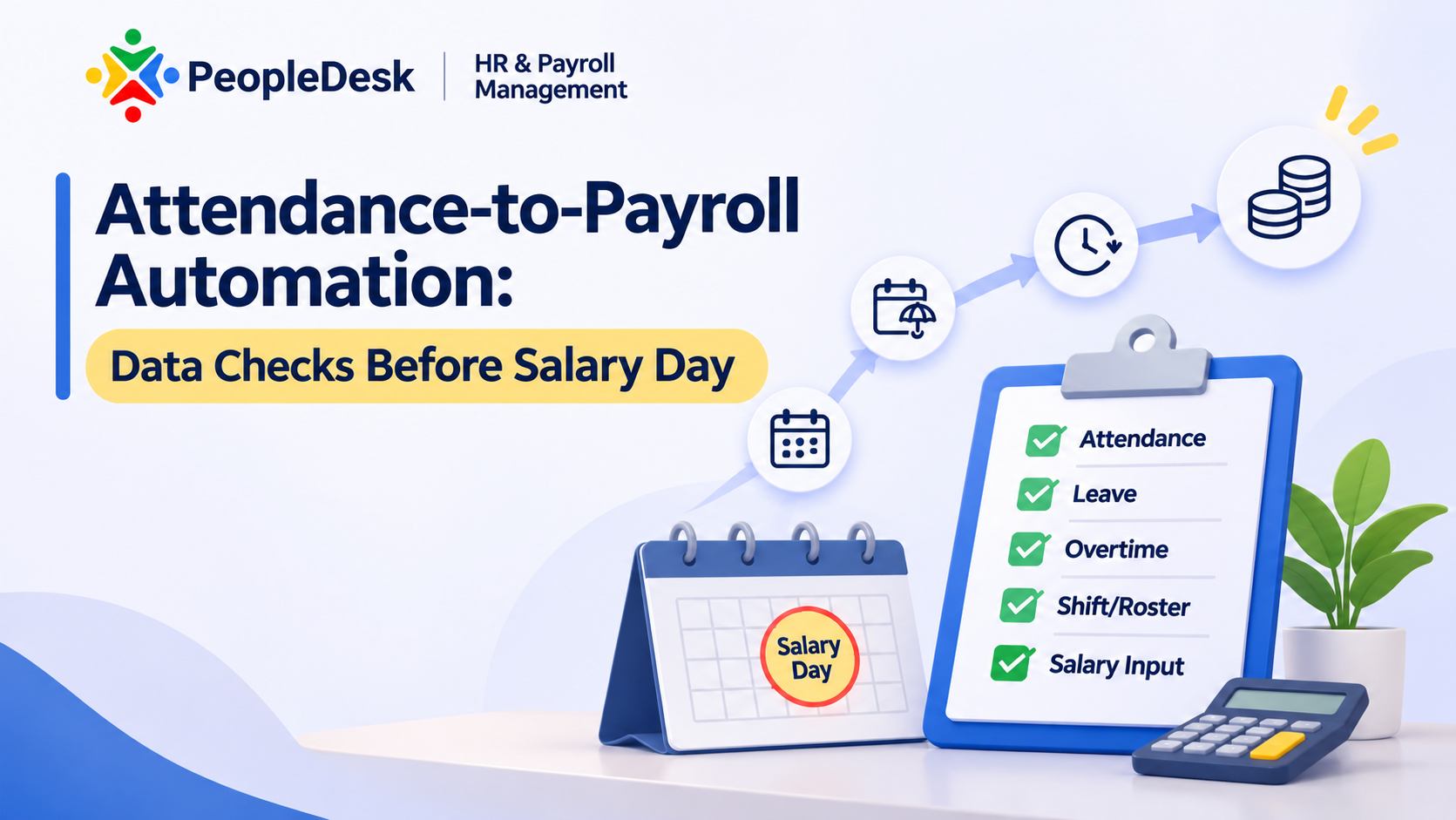
HR data should follow its own cutoff rules if payroll or attendance is part of the project. PeopleDesk connects attendance, leave, payroll, employee records, shifts, self-service, and HR reporting in one system, so attendance-to-payroll dependencies should be checked before salary processing starts (PeopleDesk; Attendance-to-Payroll Automation).
Validation and sign-off plan before final import
Validation proves whether migrated data can run the business. A final import without trial validation is only a hopeful upload.
Run a trial migration in a test environment
Run at least one full trial migration in a test environment using realistic data volumes and the real templates. Trial migration should test import success, validation logic, and whether users can actually complete core workflows after the load.
Validate counts, balances, and sample transactions by department
Departments should validate their own numbers, then confirm the totals centrally.
| Data group | Validation rule | Business approver | |, -|, -|, -| | Stock | Quantity and value by branch/warehouse match approved closing report | Warehouse + Finance | | AR | Customer-wise balances match signed aging | Sales + Finance | | AP | Supplier-wise balances match payable list | Procurement + Finance | | GL | Opening trial balance matches approved closing/opening sheet | Finance |
Keep an issue log and close exceptions before final sign-off
An issue log should record the mismatch, owner, due date, fix status, and retest result. If exceptions stay informal in chat or email, the same error usually returns on cutover day.
ERP Cutover Checklist: Freeze Rules, Trial Migration, Validation, Rollback Readiness
An ERP cutover checklist controls the last move from old system to live ERP. Cutover is a managed business event, not a late-night file transfer.
Freeze old-system changes and track any late transactions manually
Old-system changes should stop at the agreed freeze time. If a business must process urgent late transactions, record them in a manual cutover log so the team can decide whether they belong in final delta upload or day-one live posting.
Complete final backup, final delta upload, and go-live verification
The final sequence should be simple and visible.
| Time | Action | Owner | |, -|, -|, -| | T-5 days | Close cleansing and mapping issues | Functional owners | | T-2 days | Confirm balances and freeze plan | Finance + operations | | T-1 day | Final extract and backup | IT + vendor | | Go-live day | Final import and validation | Implementation team | | T+1 day | First business-day reconciliation | Business leads |
Define rollback conditions and first-day support ownership
Rollback conditions should be defined before go-live, not during panic. The business should know which failures are critical enough to pause live processing and which team owns first-day support for finance, stock, sales, HR, and user access.
First 7 to 30 days after go-live: what to reconcile daily
The first month after go-live is a stabilization period. Daily reconciliation is how the business protects confidence while live transactions start building.
Daily checks for sales, purchase, stock movement, and balances
Check daily sales posting, purchase receipts, stock movement, receivable collections, payable updates, and bank or cash impacts. Fast daily review catches a wrong mapping or master-data issue before it distorts a full month of reporting.
Review approvals, user access, and branch reporting outputs
Users should be able to complete real approvals, not only see the menu. Branch-wise reports, warehouse visibility, and management dashboards should be checked early because leadership will judge the new ERP by the first reports it produces.
Clean up residual data issues without breaking live operations
Residual issues should be corrected through controlled master updates, not random edits. If a master change affects pricing, stock, VAT, or payroll logic, the owner and approver should both review it before the change goes live.
Simple ERP data migration checklist table for internal use
An ERP data migration checklist for Bangladesh businesses becomes more useful when teams turn it into an internal tracker. The table below is a simple format most project teams can adapt quickly.
Checklist columns: task, owner, source, deadline, validation rule, sign-off
Use columns that make accountability obvious: task, data owner, source file or system, deadline, validation rule, and sign-off authority. If a task cannot show an owner or a validation rule, it is not ready for execution.
Example rows for master data, balances, trial migration, and cutover day
| Task | Owner | Source | Deadline | Validation rule | Sign-off | |, -|, -|, -|, -|, -|, -| | Finalize branch and warehouse list | Operations | Branch master | Before template fill | Matches approved org structure | COO | | Approve cleaned item master | Warehouse | SKU file | Before trial import | No duplicate active codes | Ops Head | | Reconcile opening balances | Finance | Closing reports | Before final import | AR/AP/GL totals match signed sheet | CFO | | Complete trial migration | Project team | Test environment | Before cutover | Key workflows run successfully | Sponsor | | Confirm go-live readiness | Steering team | Cutover checklist | Go-live eve | All critical issues closed | Sponsor |
What to ask your ERP vendor or implementation partner before final migration sign-off
A good ERP partner should explain migration discipline clearly. A weak partner usually speaks confidently about go-live but vaguely about templates, validation, and exception handling.
Ask how data templates, validation, and exception handling will be managed
Ask practical questions: Which templates will be used? Who validates each file? How are duplicates handled? How will rejected rows be reported? How many trial loads are planned? How will master-data changes after sign-off be controlled?
Ask who owns post-go-live support during the stabilization period
Ask who supports finance, stock, approvals, user access, and branch reporting in the first days after go-live. For businesses needing one connected ERP operating model, Managerium ERP is built to connect Procurement, Sales, Inventory & Warehouse, Accounts & Finance, Production, Payroll & HR, POS, RTM, and approvals in one structured system (Managerium). If you need a migration-readiness discussion around scope, modules, and rollout planning, speak with the AKIJ iBOS team.
What data should be migrated to a new ERP?
Migrate the data needed to run the business correctly after go-live: clean master data, approved opening balances, and any open operational transactions still active on cutoff day. Detailed historical records should move only when they support an actual reporting, audit, or operational need. Otherwise, archive them outside the live system.
How do Bangladesh businesses handle old Excel files during ERP migration?
Bangladesh businesses should first list every Excel source by owner, purpose, and last update date. Then they should decide which file is the authoritative source, clean duplicate and inactive records, standardize formats, and map each column to the new ERP field. Uploading mixed branch files without this step usually creates reporting problems later.
Should historical transactions be migrated in full?
Historical transactions do not always need full migration. Many businesses operate well by migrating active masters, open transactions, and signed opening balances while keeping older details in an archive. Full history should move only when management, audit, or operational reporting genuinely depends on line-level legacy records inside the new ERP.
How long should ERP data validation continue after go-live?
ERP data validation should continue daily in the first week and then at a controlled rhythm through the first 30 days. The focus should be on sales, purchases, stock movements, balances, approvals, and branch-wise reports. Early stabilization checks help teams catch mapping or master-data issues before they affect month-end reporting.