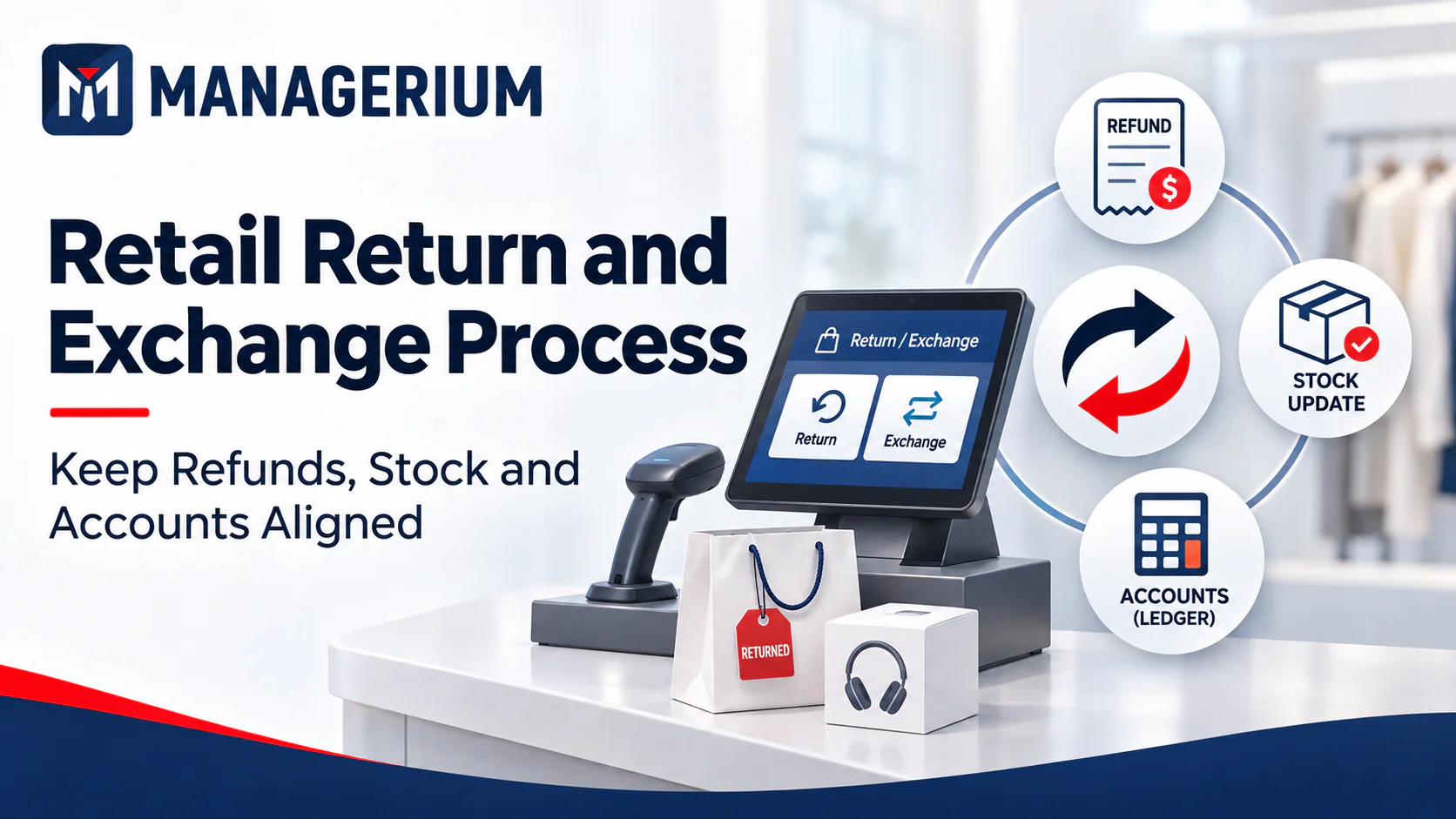
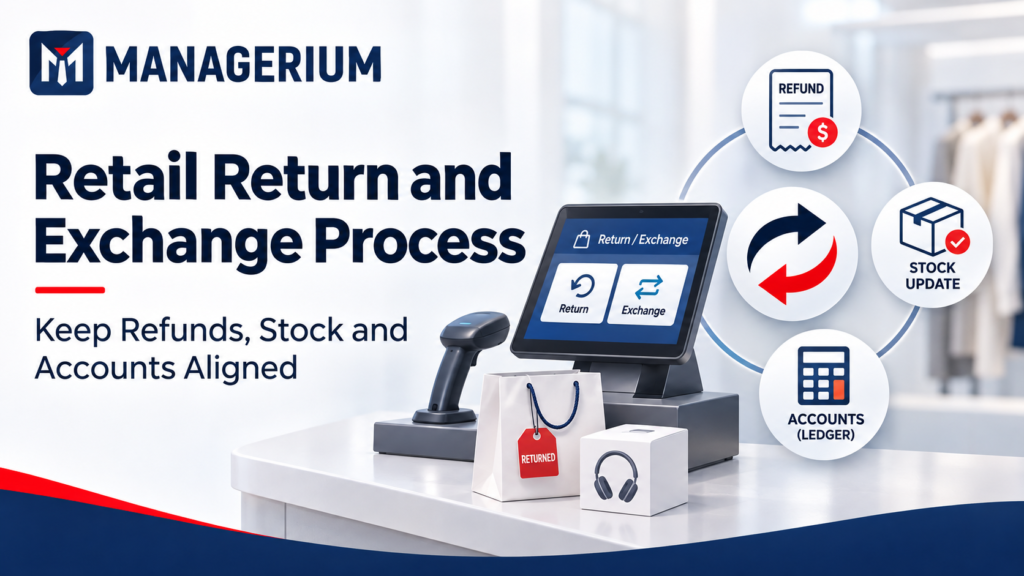
A retail return and exchange process should keep four things connected from the moment a customer comes back to the counter: the original sale, the refund or price difference, the stock movement, and the financial record.
If the cashier completes the return but inventory shows the wrong quantity, the workflow is incomplete. If stock is corrected but finance cannot explain the refund, the workflow is still incomplete.
For multi-counter and multi-outlet retailers, this becomes even more important because the original sale, receiving counter and final stock location may not always be the same.
Managerium Retail ERP by AKIJ iBOS connects retail POS with inventory, purchasing, accounts and finance, pricing, permissions, reporting and multi-outlet operations. But before evaluating any software, retailers need a clear operating process for what should happen when a sale is reversed or exchanged at the counter.
This guide maps that process from receipt lookup to stock and accounts.
Why the Retail Return and Exchange Process Breaks
Normal sales follow a predictable direction:
Item goes out → Customer pays → Stock reduces → Sale is recorded
Returns reverse part of that flow.
Exchanges are even more complicated because they combine a return and another outgoing item in the same customer interaction.
Problems usually appear when each department records a different version of the event.
For example:
- the cashier refunds the customer;
- inventory immediately puts the item back into available stock;
- the original discount is ignored;
- finance sees money leaving the counter;
- the branch report does not clearly link the refund to the original sale.
The customer experience may look complete, but internally the transaction is not.
A good retail return and exchange process treats the counter action as the beginning of a connected workflow, not the end.
Return vs Exchange: What Actually Changes?
A return and an exchange look similar at the counter but create different operational effects.
| Area | Return | Exchange |
|---|---|---|
| Original sale | Must be identified where possible | Must be identified where possible |
| Item coming back | Yes | Yes |
| Replacement item going out | No | Yes |
| Stock effect | Returned item changes status | Returned item changes status + replacement stock reduces |
| Money effect | Refund, balance adjustment or approved alternative | No difference, extra collection or partial refund |
| Reporting | Sales return/refund trail | Return + replacement transaction trail |
This distinction matters because treating an exchange as “just another return” can create stock or pricing errors.
A proper exchange needs to explain both sides:
What came back?
What went out?
Step 1: Find the Original Sale
The safest starting point for a retail return is the original sale.
The cashier should be able to identify information such as:
- invoice or bill reference;
- item;
- quantity;
- original selling price;
- discount or offer applied;
- payment method;
- outlet;
- transaction date.
This matters because the refund should not be based on what the product costs today.
Suppose an item currently sells for BDT 1,500 but the customer originally bought it for BDT 1,200 during a campaign.
The return workflow needs the original transaction context.
Otherwise the cashier is effectively rebuilding the sale from memory.
Step 2: Capture the Actual Returned Quantity
Partial returns are a common place for errors.
If a customer bought three units and returns one, the system should reverse only that unit.
The remaining two should continue to belong to the original valid sale.
The counter should therefore capture:
- item;
- returned quantity;
- return reason;
- condition;
- original transaction reference.
The objective is simple: the return should change only what actually came back.
Step 3: Check the Item Condition Before Updating Saleable Stock
A physical return does not automatically mean the product is ready to sell again.
Retailers should make a stock-status decision before increasing available inventory.
A practical model looks like this:
| Returned Item Status | When to Use It | Inventory Treatment |
|---|---|---|
| Saleable | Product is verified fit for resale | Return to available stock |
| Damaged / Non-saleable | Product cannot be sold normally | Keep outside saleable availability |
| Review | Condition is unclear or requires supervisor decision | Hold separately until decision |
This is especially important in physical retail.
A garment may have been worn.
A packaged item may have been opened.
A pharmacy product may require additional handling depending on the configured batch, expiry and business process.
If everything automatically returns to saleable inventory, system stock can look healthier than the physical reality.
Step 4: Apply the Correct Refund Treatment
Once the return is accepted, the payment side should stay connected to the original sale.
A cash transaction, card transaction and credit sale do not necessarily produce the same operational treatment.
Cash Sale
A cash refund affects the counter or cash drawer immediately.
Store closing should be able to connect that cash outflow to the return transaction.
Card or Digital Payment
The business should record the appropriate refund or payment-side adjustment rather than disguising the transaction as an unrelated cash payment.
Credit Sale
If the original transaction created a customer receivable, the return may need to reduce that balance rather than create a normal cash refund.
The principle is more important than the payment method:
Refund movement and return record should tell the same story.
Step 5: Handle Exchanges as a Connected Two-Sided Transaction
A retail exchange includes both an incoming and outgoing product.
That means the process should capture:
Returned item → Stock status
Replacement item → Stock reduction
Value difference → Settlement
There are three common cases.
Even Exchange
The net value is the same.
No additional payment or refund is needed, but both stock movements still need to be recorded.
Upgrade
The replacement item costs more.
The business collects the difference.
Downgrade
The replacement item costs less.
The business may owe the customer a partial refund or another approved balance adjustment.
Shopify’s official POS documentation shows the same operational principle in its own exchange flow: a returned item and replacement item are processed together, and the checkout reflects whether the customer owes an additional amount or the retailer owes a refund. Its POS guidance also separates staff permissions and restocking decisions from the basic return action. This is a useful industry example of why exchange workflows should connect inventory, authorization and settlement rather than treating them as unrelated steps. Shopify POS exchange documentation
Step 6: Preserve Variant-Level Accuracy
Fashion retail makes exchange mistakes easy to understand.
Suppose a customer bought:
Blue Shirt, Size 40
and exchanges it for:
Blue Shirt, Size 42
The business has not simply “exchanged one shirt.”
Inventory needs to:
- increase the correct Size 40 stock if it is saleable;
- reduce the correct Size 42 stock;
- preserve the transaction relationship.
If the system updates only the parent product, variant availability becomes unreliable.
The same logic can apply to other configured retail attributes such as size, colour, unit, batch or expiry where relevant.
Step 7: Treat No-Bill and Exception Returns Differently
Not every return follows the ideal path.
Retailers may face:
- missing receipt;
- late return;
- partial return;
- unusual discount;
- product-condition dispute;
- return at a different outlet;
- manual exception request.
These should not automatically receive the same authority as a normal verified return.
A practical exception path can be:
Cashier identifies issue → Supervisor review → Approved/Rejected → Transaction completed
The exact rules depend on the retailer’s policy.
What matters operationally is that exceptions do not become invisible overrides.
If a cashier can bypass the normal process without a visible reason, the business loses control over both stock and money.
Step 8: Keep Cross-Outlet Returns Traceable
Multi-outlet retail introduces another question:
What happens when Outlet B accepts an item originally sold by Outlet A?
This is not only a customer-service decision.
It affects:
- return ownership;
- current physical stock location;
- outlet-level sales reporting;
- refund responsibility;
- possible later stock transfer.
For example:
A product is sold in Mirpur.
The customer returns it in Uttara.
The returned product now physically exists in Uttara.
The business needs to know whether it stays there, moves back to Mirpur, or moves to another stock location.
At the same time, head office needs a consistent view of the financial reversal.
A connected retail return and exchange process should therefore preserve both the original selling outlet and the outlet where the return was processed.
Step 9: Use Permissions for High-Risk Actions
Not every counter user needs the same level of authority.
Returns may involve:
- refunds;
- manual discounts;
- price differences;
- no-bill exceptions;
- stock-status changes;
- cross-outlet acceptance.
Those actions can affect margin, inventory and cash.
Retailers should decide which actions a normal cashier can complete and which require supervisor or authorized approval.
This is another area where POS design matters.
Shopify’s current POS documentation, for example, requires specific staff permissions for return/exchange activity and additional permissions for certain exception or restocking actions. Shopify POS return and refund guidance
The exact permission structure will differ by platform, but the control principle is useful:
Return authority should match responsibility.
Step 10: Reconcile the Return Before Closing
A return should be reviewable before the outlet closes.
Store and finance teams should be able to connect:
- Original sale
- Return or exchange record
- Returned quantity
- Stock status
- Replacement item, if applicable
- Refund or additional payment
- User or approval
- Outlet
A simple daily review can catch mismatches before they become month-end problems.
Store-Level Closing Checks
Confirm that:
- every return has an original reference or approved exception;
- every returned item has a stock status;
- every exchange records both incoming and outgoing products;
- refund amounts match the transaction;
- unusual overrides have an explanation;
- pending review items are still visible.
Finance Checks
Finance should compare:
- return totals;
- refund or payment movements;
- outlet-level sales returns;
- receivable adjustments where applicable;
- unusual manual overrides.
The goal is not to create another spreadsheet.
The goal is to ensure all connected records explain the same event.
What Retailers Should Look for in POS and Inventory Software
A retailer evaluating pos and inventory management software should test returns and exchanges with real scenarios rather than asking whether the system has a “Return” button.
Ask the vendor to demonstrate:
- a partial return;
- a discounted-item return;
- an even exchange;
- an exchange with additional payment;
- an exchange with partial refund;
- a damaged returned item;
- a cross-outlet return;
- an unauthorized return attempt.
Then watch what happens to:
POS → Stock → Payment → Accounts → Reporting
If one of those needs a manual side process, ask why.
For retailers comparing systems that connect billing and inventory, this connected POS and stock software page provides broader context on how POS and stock management work together.
How Managerium Retail ERP Supports the Process
Managerium Retail ERP by AKIJ iBOS is designed as a broader retail operating system rather than only a billing interface.
Its verified retail scope includes:
- POS and billing;
- returns and exchanges;
- item-wise inventory;
- multi-inventory operations;
- stock transfers;
- pricing and offers;
- credit sales;
- purchasing;
- accounts and finance;
- permissions;
- audit/change visibility;
- analytics;
- multi-outlet operations.
That matters because the retail return and exchange process crosses several of those areas.
The counter may initiate the transaction, but the final effect reaches inventory, payments, finance and reporting.
Retailers evaluating Managerium Retail ERP should therefore test the workflow from the original sale all the way to the updated stock and financial record.
Retail Return and Exchange Process Checklist
Before finalizing your counter workflow, check whether the business can answer these questions:
- Can the original sale be found quickly?
- Is the original price and discount visible?
- Can partial quantities be returned correctly?
- Is item condition captured?
- Does the returned item have a clear stock status?
- Can damaged or questionable items stay outside saleable stock?
- Does an exchange record both incoming and outgoing items?
- Can the system calculate or record the value difference?
- Is the refund connected to the original payment context?
- Are high-risk exceptions permission-controlled?
- Can cross-outlet returns preserve both locations?
- Can finance trace the return from the refund back to the sale?
- Can management review returns by outlet or operator?
A return is complete only when the customer transaction and the business records are both complete.
FAQ
What is a retail return and exchange process?
A retail return and exchange process is the operational workflow used to connect a returned or exchanged item with the original sale, stock movement, refund or additional payment, authorization and reporting.
What is the difference between a retail return and an exchange?
A return brings an item back and normally creates a refund, balance adjustment or receivable change. An exchange also sends a replacement product out, so it creates both an incoming and outgoing inventory movement and may involve a price difference.
Should every returned product go straight back into saleable stock?
No. The item should first be assessed according to the retailer’s operating rules. Products that are damaged, opened, questionable or otherwise not ready for resale should remain outside normal saleable availability until an appropriate decision is made.
How should an exchange affect inventory?
The returned item should receive the appropriate stock status, while the replacement item’s stock should reduce. Variant-level information should also remain accurate when products differ by size, colour or another configured attribute.
How should multi-outlet retailers handle cross-branch returns?
The retailer should define which outlets can accept returns, where the returned item physically belongs, which location records the reversal and whether a later transfer is required. Both the original selling outlet and receiving outlet should remain traceable.
What should retailers test when choosing POS software for returns?
Test partial returns, discounts, stock condition, exchange value differences, permissions, cross-outlet cases and refund handling. Then confirm that POS, stock, accounts and reporting remain aligned after the transaction.
Keep the Counter and Back Office on the Same Transaction
The strongest retail return and exchange process is not the fastest way to issue a refund.
It is the process that allows the store and head office to explain the entire event later:
Original Sale → Return or Exchange → Stock Status → Settlement → Accounts → Reporting
When those steps remain connected, the counter does not have one story while inventory and finance have another.
That is the operational standard retailers should test before choosing or configuring any POS and inventory system.